


01
Accurate facial mapping
Detect facial landmarks and precisely align features before merging them.
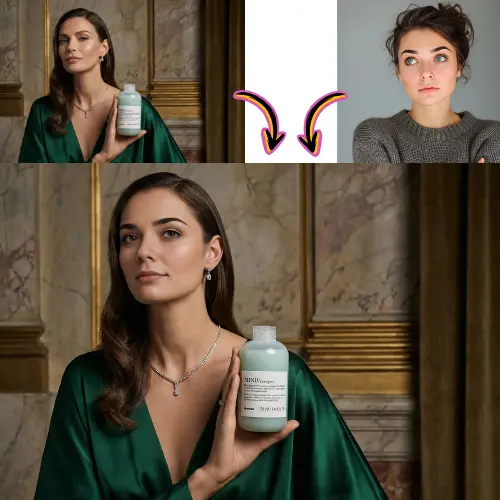
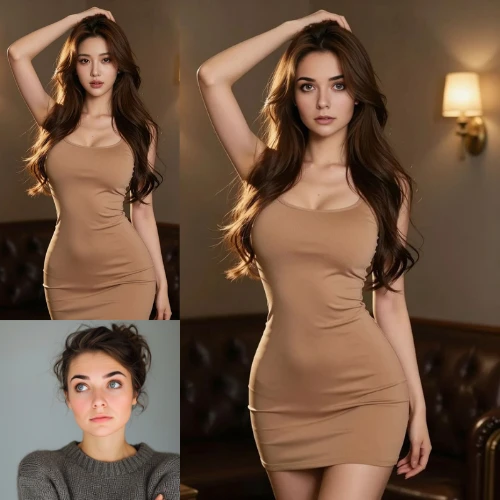
Detect facial landmarks and precisely align features before merging them.
Adapts skin tone, lighting, and borders to reduce visible artifacts.
Download clean results suitable for social, creative and editorial use.
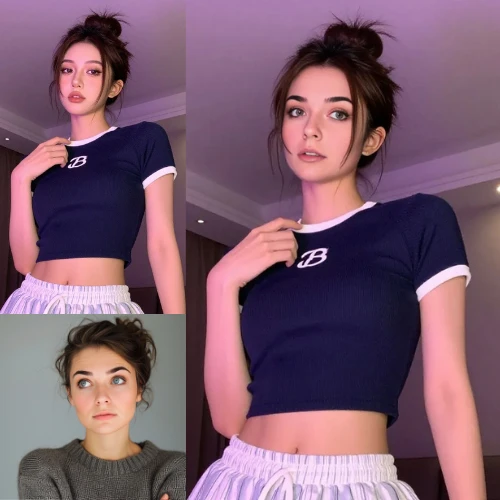
Generate results in seconds for quick concept testing and reviews.
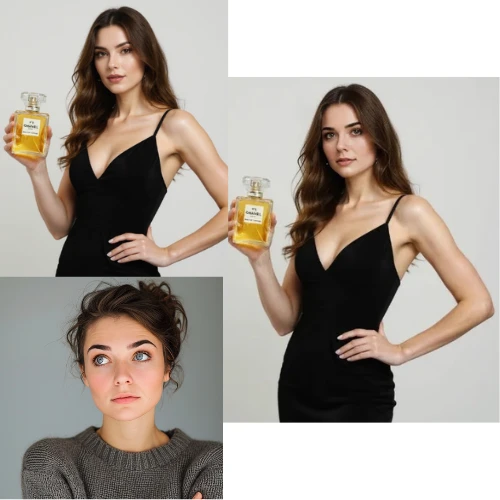
Upload, generate, review and download source and destination photos.
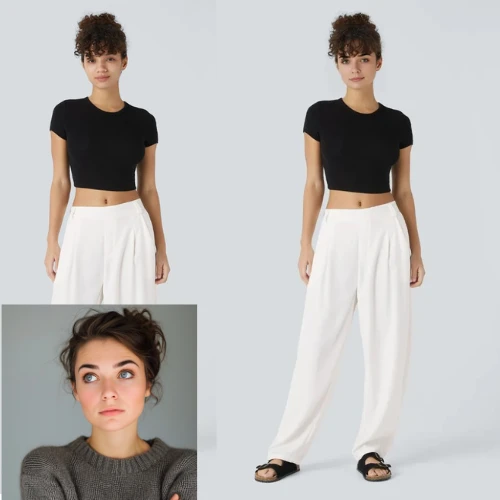
Designed with security measures in data handling for safer image processing.
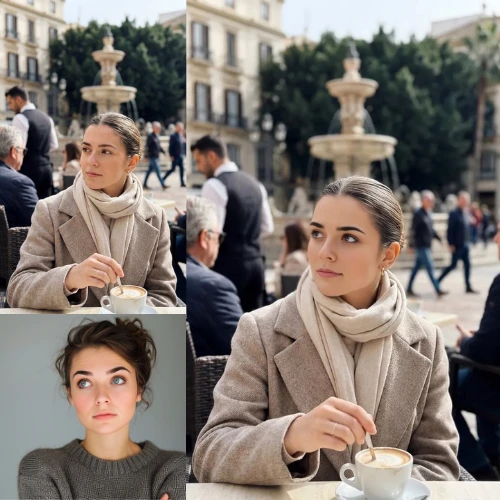
Maintain consistency of expressions and scenes in publish-ready assets.
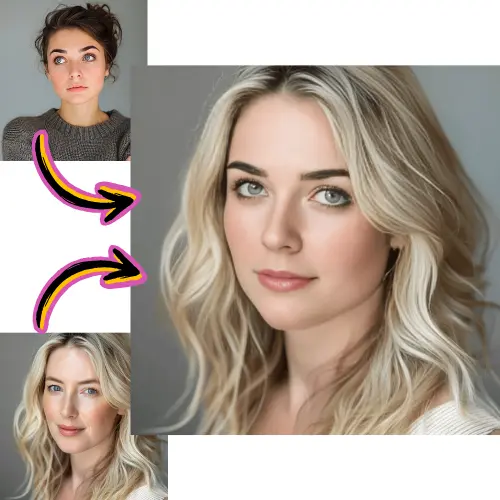
Select the face you want to apply it to.
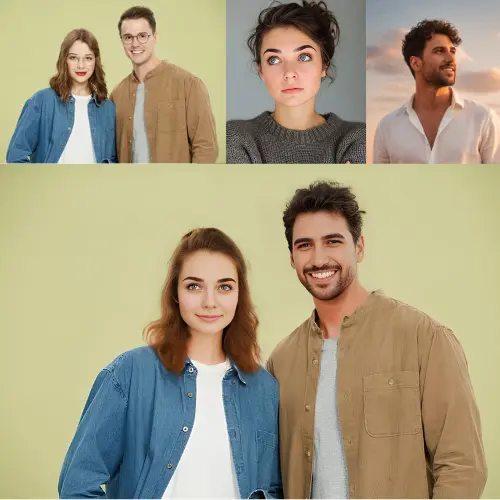
Choose the destination photo on which the new face should appear.
Execute the exchange and check the alignment, expression and combination.
Export the final image for content creation, mockups or social media posts.
Identify key facial points for stable alignment in different postures.
Balances color and exposure to help the exchange blend naturally.
Preserve facial expression cues to make the result appear more authentic.
Supports common image formats including JPG, PNG and WebP.
Supports workflows that prepare face swaps for moving and short-form content.
Process multiple assets with consistent configurations for team production.
active user
500,000+
Creators using face swap workflows every month
Trades generated
10 million
Face swap outputs created in all projects
Normal processing time
<10 seconds
Average build speed for standard image inputs
The system detects facial landmarks, aligns the source and target faces, and combines details such as hue and lighting to produce a realistic result.
Most workflows support JPG, PNG, and WebP. High resolution images with clear faces usually produce better results.
Yes. Many creators use face swap results for mockups, social concepts, and visual storytelling. Always confirm the rights to the original materials.
Yes, but results vary depending on face angle, lighting and overlay. For the best quality, start with light faces and minimal occlusion.
Use source and target images with similar lighting and head angle. Higher resolution inputs typically reduce visible artifacts.
Yes. Taking multiple attempts is helpful to compare alignment, expression fit, and final visual quality.
Use platforms with clear retention and deletion policies. Avoid sending sensitive personal or confidential images.
Commercial use depends on the terms of the platform and your rights to the source images. Review licenses before publishing client work.
Yes. AI-generated portraits can work well as source material if facial details are clear and proportions are natural.
Use face swapping for creative or approved projects, respect consent and ownership, and avoid misleading or harmful content.